
 Español
 العربية
 Português
 Русский
Home / Trends / Christmas pyjamas reveal
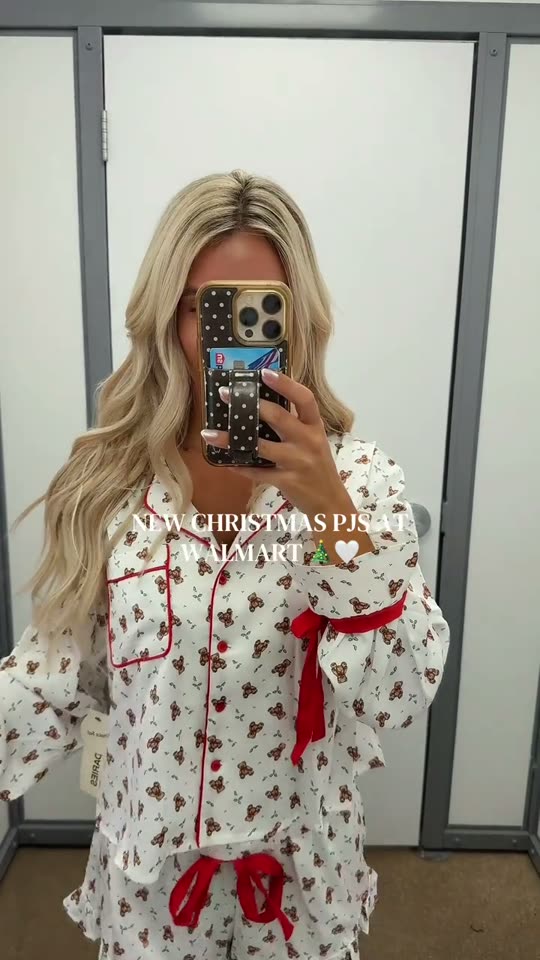
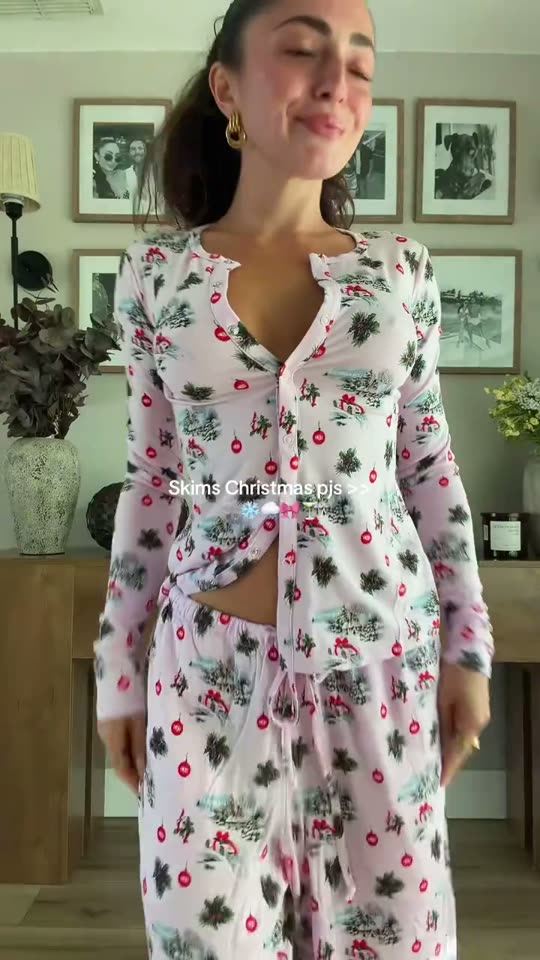
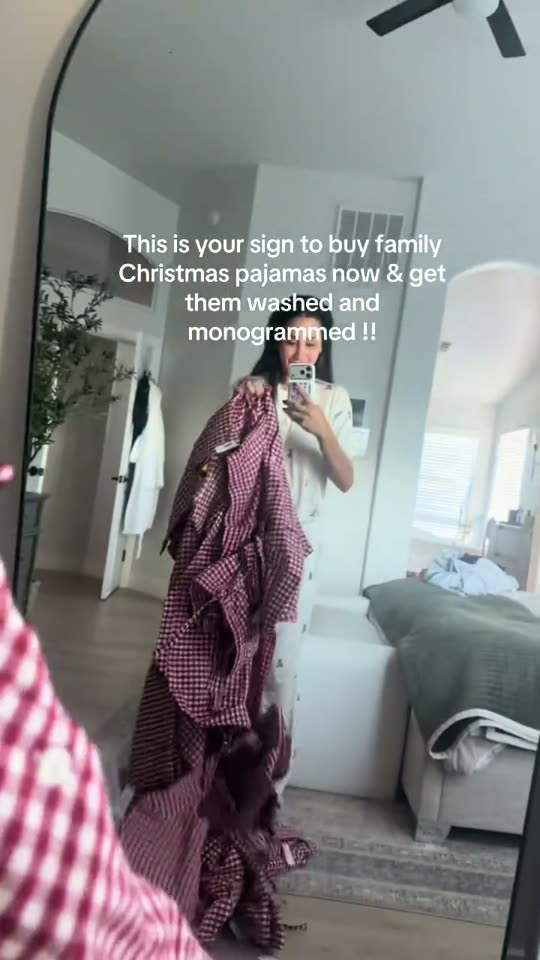
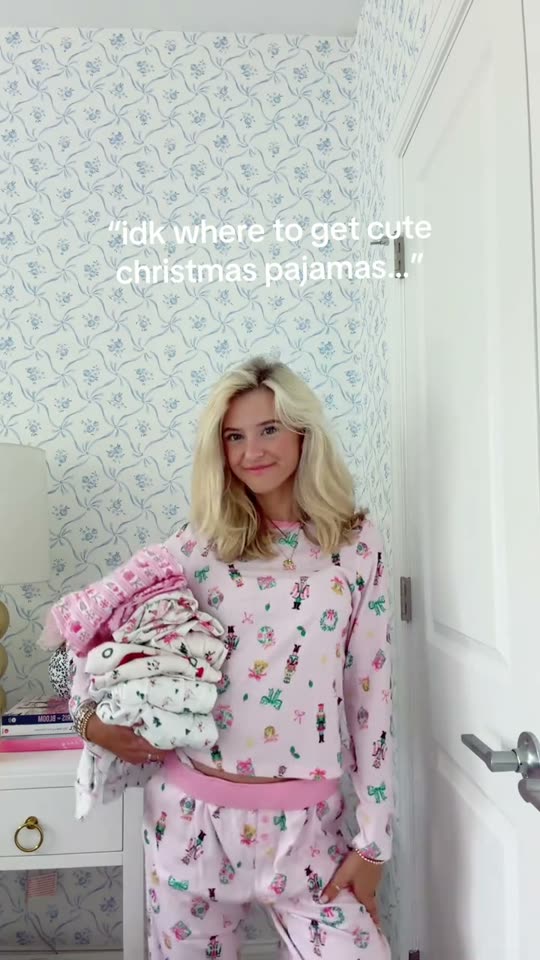
The Christmas pyjamas reveal trend
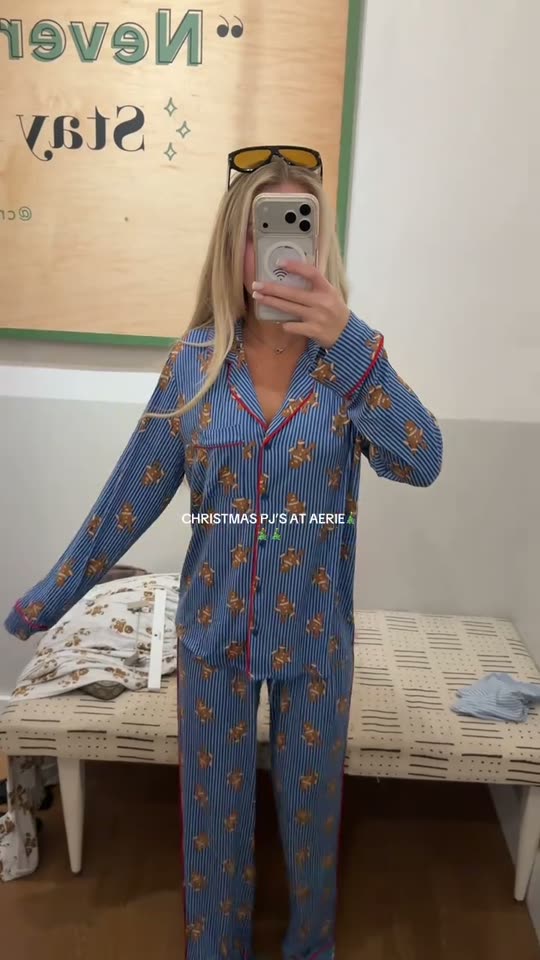
Show your everyday outfit, then cut to the same pose in festive Christmas pyjamas as the beat drops.
- Who’s in it
- Solo
- Type
- Outfits
You can film the Christmas pyjamas reveal trend yourself in three steps, below. Or skip filming: vtrends puts you into one of these videos from one photo of your face, paid with credits from $19, ready in about 15 to 25 minutes.
How to film the Christmas pyjamas reveal trend
- Study the format. Open the trend’s sound on TikTok and watch the top few videos to see the timing.
- Set up the shot. Prop the phone at chest height in good, even light, with your face clearly visible.
- Film and cut to the sound. Record a few takes, keep the best and line it up with the trend’s sound.
- Avoid this. Waiting too long. Most trends peak within a week or two.
Don’t want to film it?
Pick any video below, add one photo of your face, and get the same video with you in it, original sound included. Credits from $19, no subscription, and the credits come back if it fails.
Pick a videoMost-watched Christmas pyjamas reveal videos
5 trends to film, every Monday
The trends starting to take off, each with its sound and how to film it. Free, one email a week, stop any time.
Want an alert the day a trend starts rising?
Questions
What is the Christmas pyjamas reveal trend?
Show your everyday outfit, then cut to the same pose in festive Christmas pyjamas as the beat drops. It is one of the formats people are copying on TikTok right now; the examples above have 768.4k views between them.
Can I do the Christmas pyjamas reveal trend without filming it?
Yes. Pick one of the examples, upload a clear photo of your face, and vtrends renders the same video with you in it. Outfit and location photos are optional. Your video renders after you spend the credits.
How much does it cost?
Setting it up is free. You pay with credits: one credit is one second of finished video, packs start at $9 for 15 credits, and credits never expire. No subscription.
Will it look exactly like me?
It works best with a sharp, front-facing photo in good light. Fast spins, faces turned away and heavy face paint are harder, and the result can look less like you in those moments. If a render clearly doesn’t show you, we rerun or refund it.
Are these the original videos?
Yes. They are public TikTok posts, credited and linked to each creator. Your version is a new video generated with your face; the original creator’s video is not changed.
More trends like this

Matching outfits
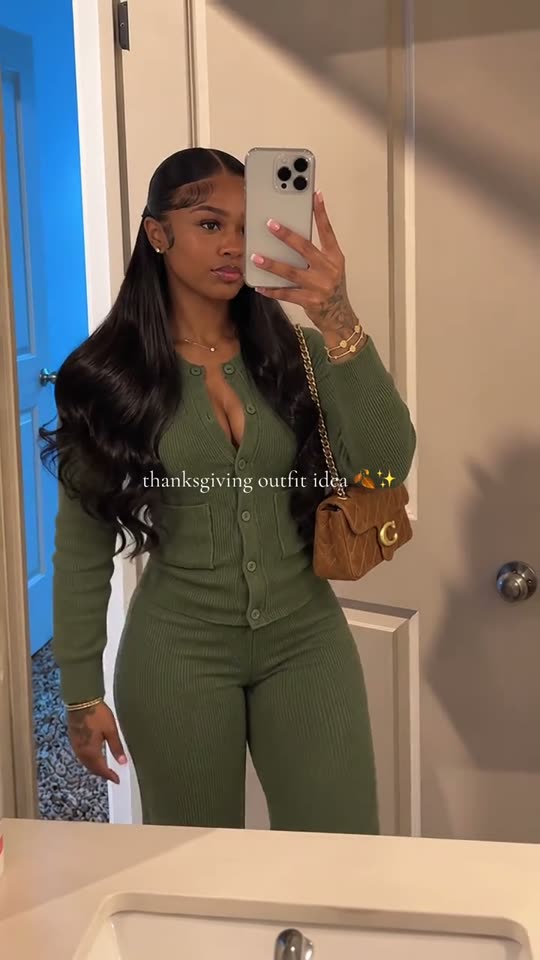
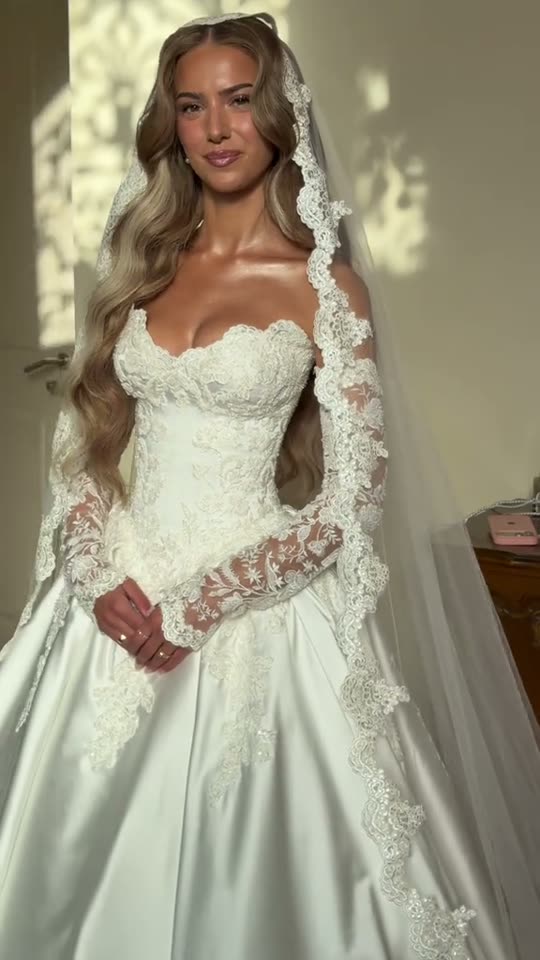
Two of you step into frame in the same outfit, or the same pieces in different colours, and show it off side by side.
Christmas transition
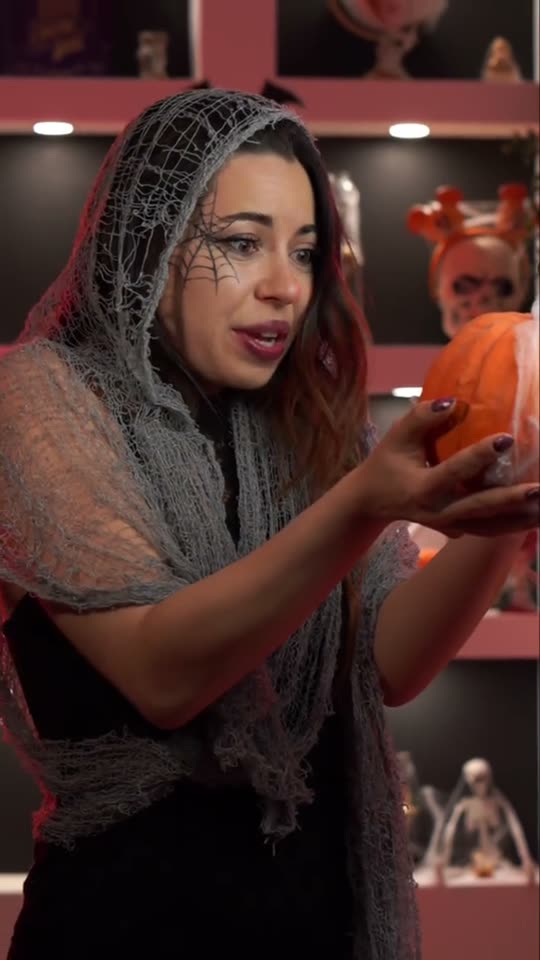
Start in everyday clothes, cover the lens or snap on the beat, then cut to your festive outfit and make-up.
Matching outfits